Before you begin
Check the destination address for typing errors and whether a mailbox already exists for the source address.
An email forwarder in cPanel sends incoming messages for one address to another destination. For example, it can let you receive business-address messages in another mailbox without publishing that destination address. An email forwarding rule can consolidate messages for easier access. Note: A local copy is retained only when the source address also has a mailbox and the delivery configuration supports it. A forwarder alone does not create a mailbox or stored copy.
How to create an email forwarder in cPanel
- Sign in to your cPanel.
- Open the Email and click Forwarders.3. Click Add Forwarder.
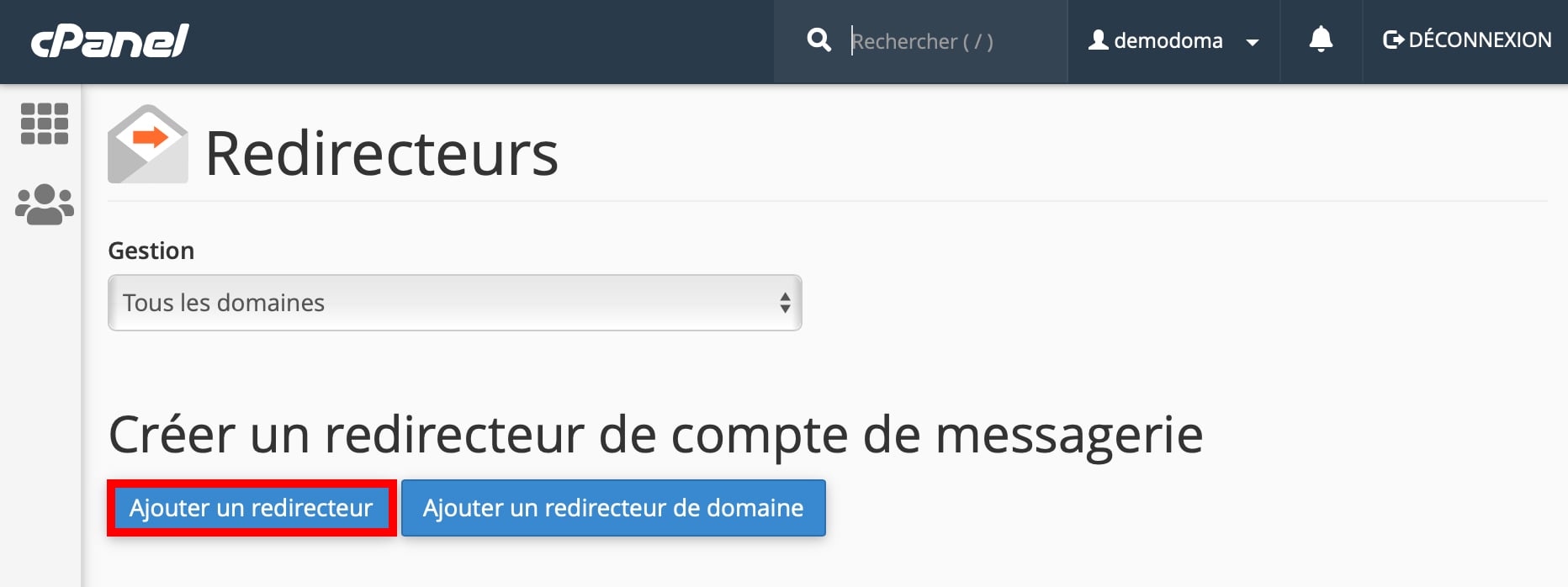
- For Address to Forward, enter the source address whose incoming messages should be forwarded.
- For the Domainfield, select the relevant domain.

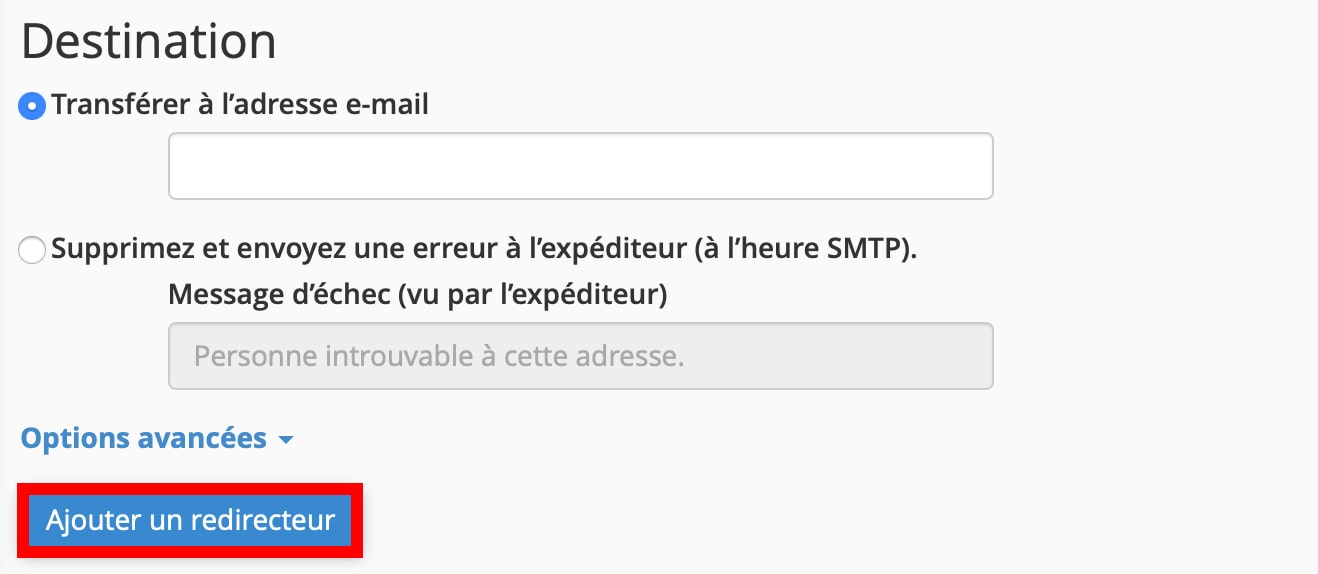
- Enter the destination in Forward to Email Address.
- Click Add Forwarder.
Check the result and troubleshoot
Forwarding is not a backup. Local retention depends on the source mailbox's existence and configuration. Send an external test and check the recipient's Spam folder; authentication checks can affect forwarded mail.
Reference documentation:
Sources accessed on October 11, 2026. Available features depend on your hosting version and options.