PHP limits can prevent a file upload or interrupt a script. Change only the necessary directives for the relevant domain.
Identify the limit
Check the application's message and effective PHP values. Upload size is not always limited to 2 MB: it depends on the server, domain settings and application.
Choose the available tool
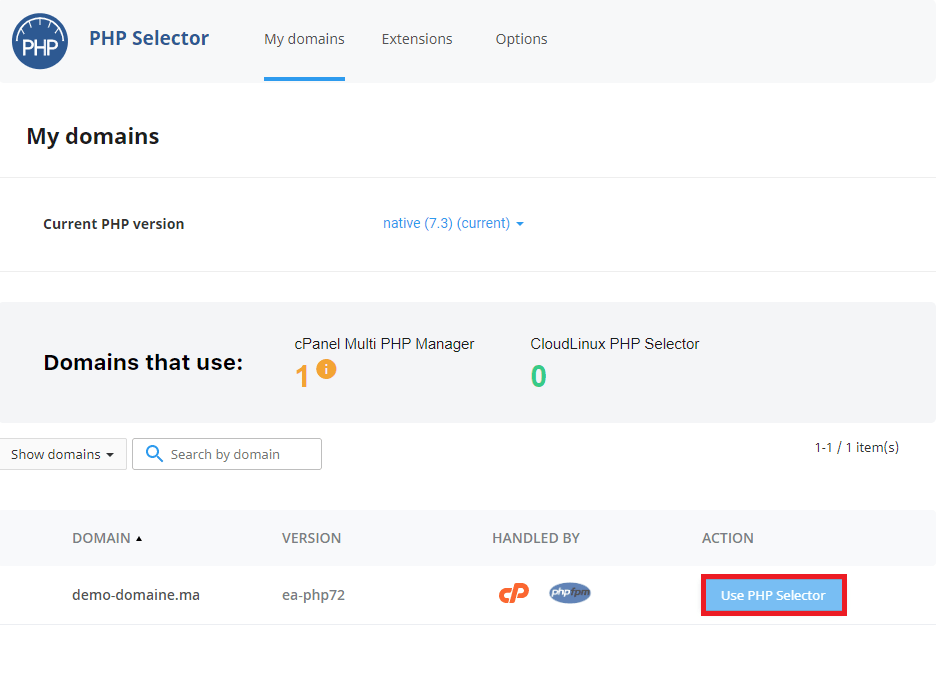
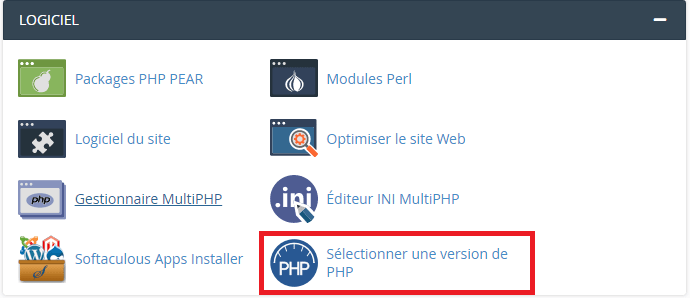
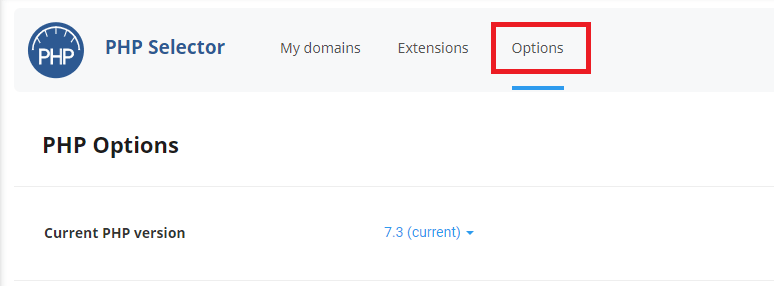
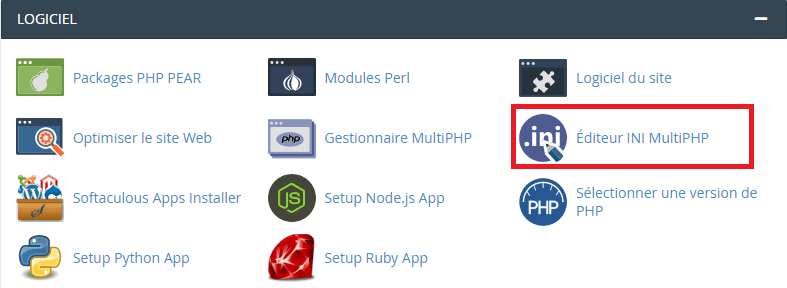
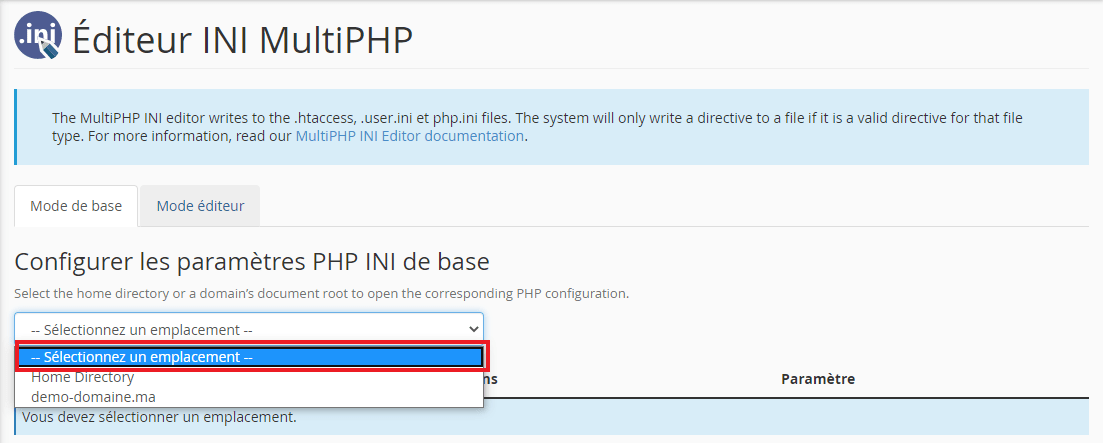
In cPanel, MultiPHP INI Editor lets you adjust the available directives. Some hosting accounts also use the options in PHP Selector from CloudLinux. These tools can coexist; use the one associated with your domain's active configuration.
Change the directives
- Record the current values and back up the configuration.
- Select the relevant domain or location in the editor.
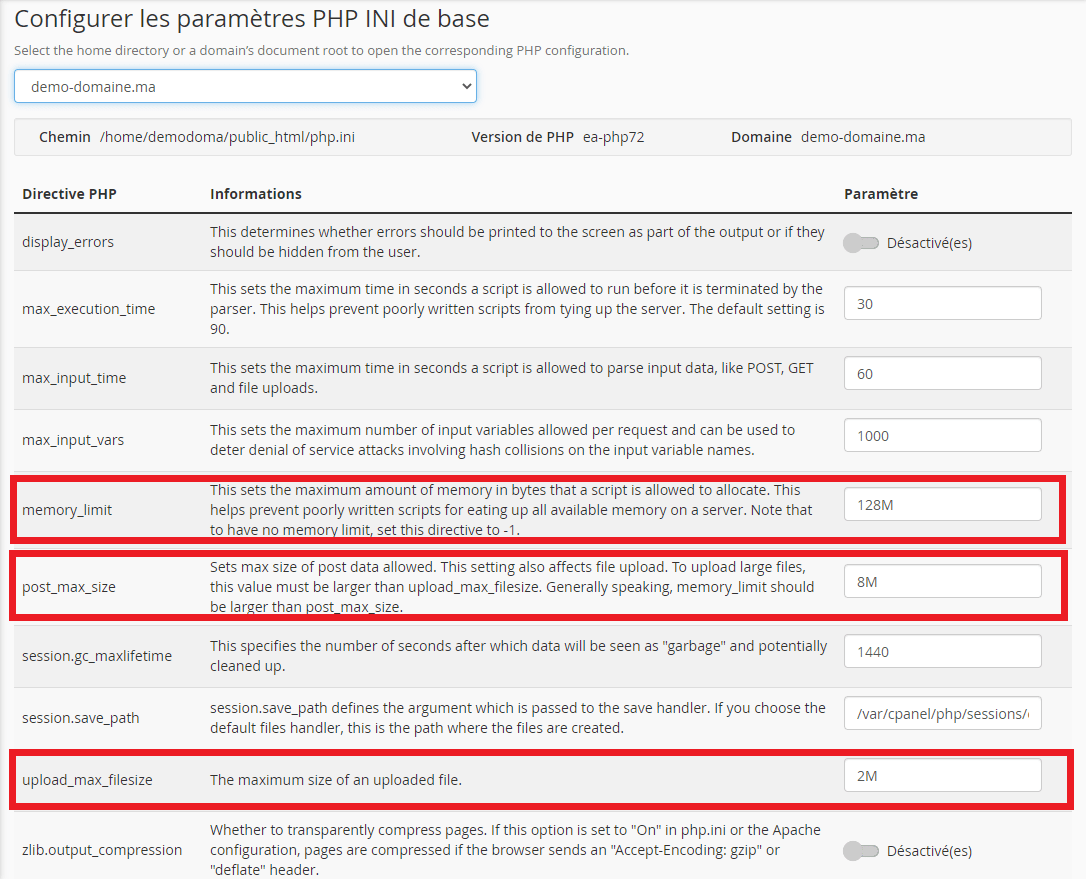
- Change the necessary directive and save.
- Check the value actually used by the application, then repeat your test.
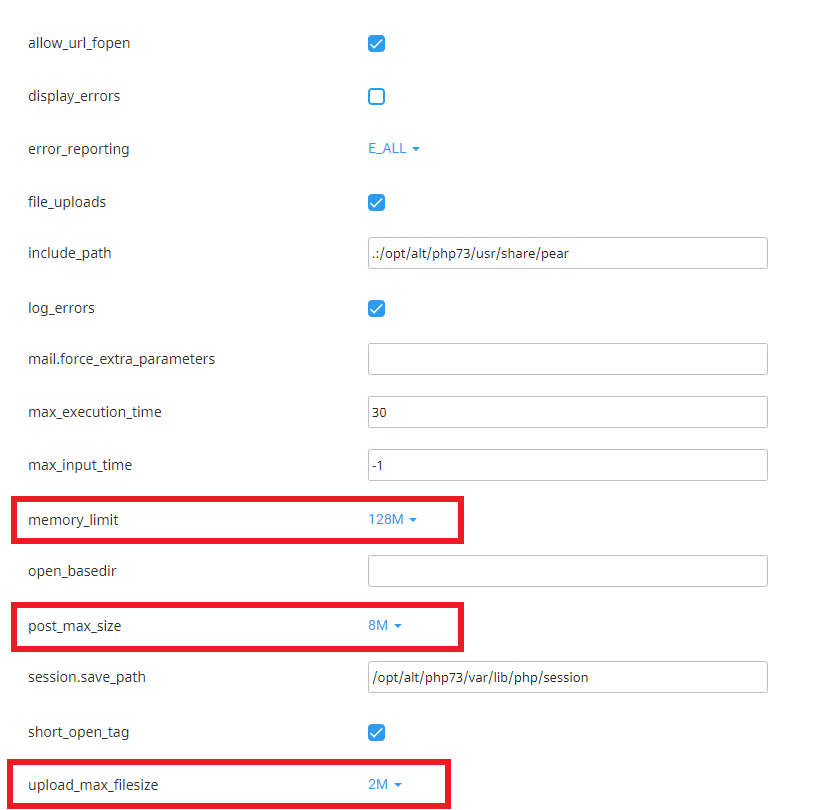
upload_max_filesize: maximum size of an uploaded file.post_max_size: total POST request size; it must exceed the file size and account for other data.memory_limit: memory available to the script, separate from file size.max_execution_time: maximum script duration according to the configuration.
If the problem continues
A web server, application or plan limit can apply before PHP. Raising memory_limit does not fix a memory leak. If a directive cannot be changed, contact support with the domain and exact message.
Interface illustrations
These screenshots show the versions used when the original article was written. Labels may differ in your current version; follow the written procedure and your account settings.
Related guides
Reference documentation:
- MultiPHP INI Editor for cPanel | cPanel & WHM Documentation
- PHP: Description of core php.ini directives - Manual
Sources accessed on October 11, 2026. Available features depend on your hosting version and options.