You can link a domain name to Shopify, an international online sales platform. It allows you to create your own online store without any prior technical knowledge. You can sell your products and promote them worldwide.
To link your domain to Shopify, follow these steps:
Before starting, you must first register a domain name and add it to Shopify.
Table of Contents
How to Add a Domain Name to Shopify?
1. Access your Shopify interface, click on “Online Store,” then on “Domains.”

2. Click on the “Connect Existing Domain” tab to link your domain from your Cap Connect management panel.

3. Select the domain name you want to link to your online store and click the “Next” button.

How to Link the Domain to Your Shopify Service?
- Access your Client Area.
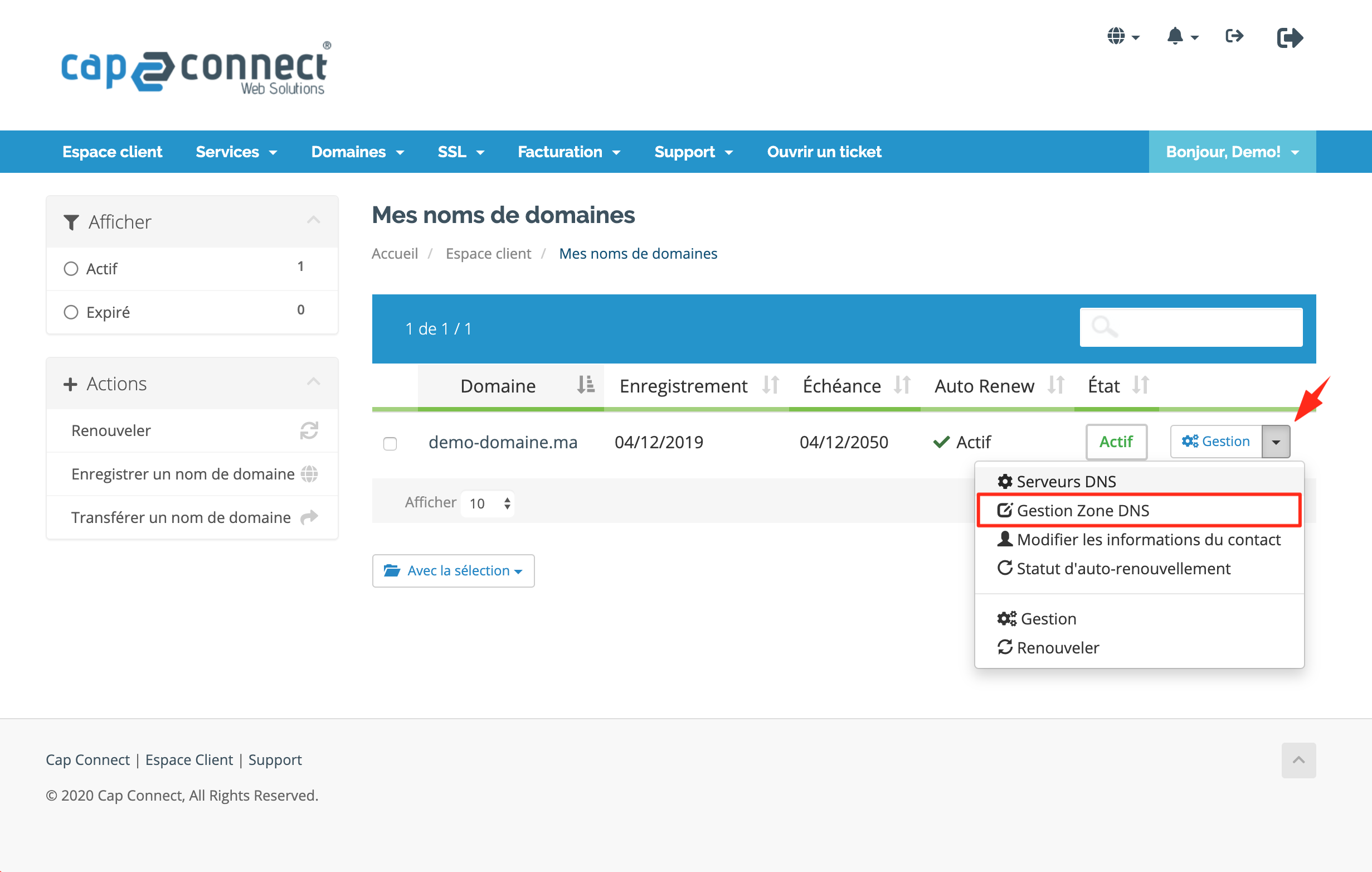
- Click on “Domains” to access your domain names.

3. Click on “DNS Zone Management” next to the domain name.
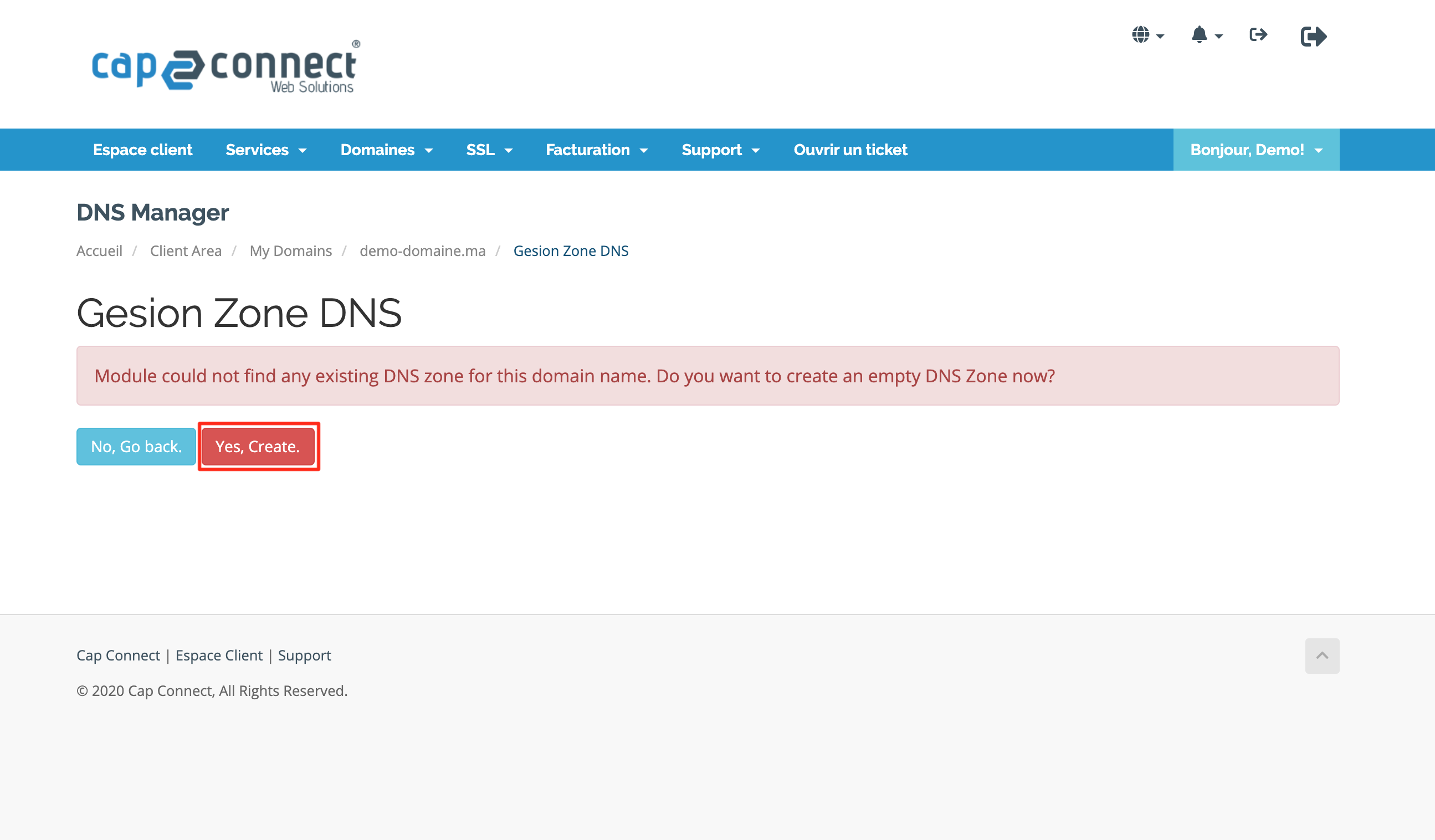
4. Click on “Yes Create” to create a DNS zone for your domain name on our DNS servers.
5. Enter Shopify’s IP address 23.227.38.32 in the A record of your domain name.
6. Look for the CNAME record for the WWW value and click on the pencil icon to edit this record with the value provided by Shopify.
Set the CNAME record to shops.myshopify.com and click the “Save Changes” button to confirm your request. When adding the CNAME, make sure to add a dot at the end of the record to ensure proper redirection to your online store.
