You can link a domain name to Shopify, an international online sales platform. It allows you to create your own online store without any prior technical knowledge. You can sell your products and promote them worldwide.
To link your domain to Shopify, follow these steps:
Before starting, you must first register a domain name and add it to Shopify.
Table of Contents
How to Add a Domain Name to Shopify?
1. Access your Shopify interface, click on “Online Store,” then on “Domains.”

2. Click on the “Connect Existing Domain” tab to link your domain from your Cap Connect management panel.

3. Select the domain name you want to link to your online store and click the “Next” button.

How to Link the Domain to Your Shopify Service?
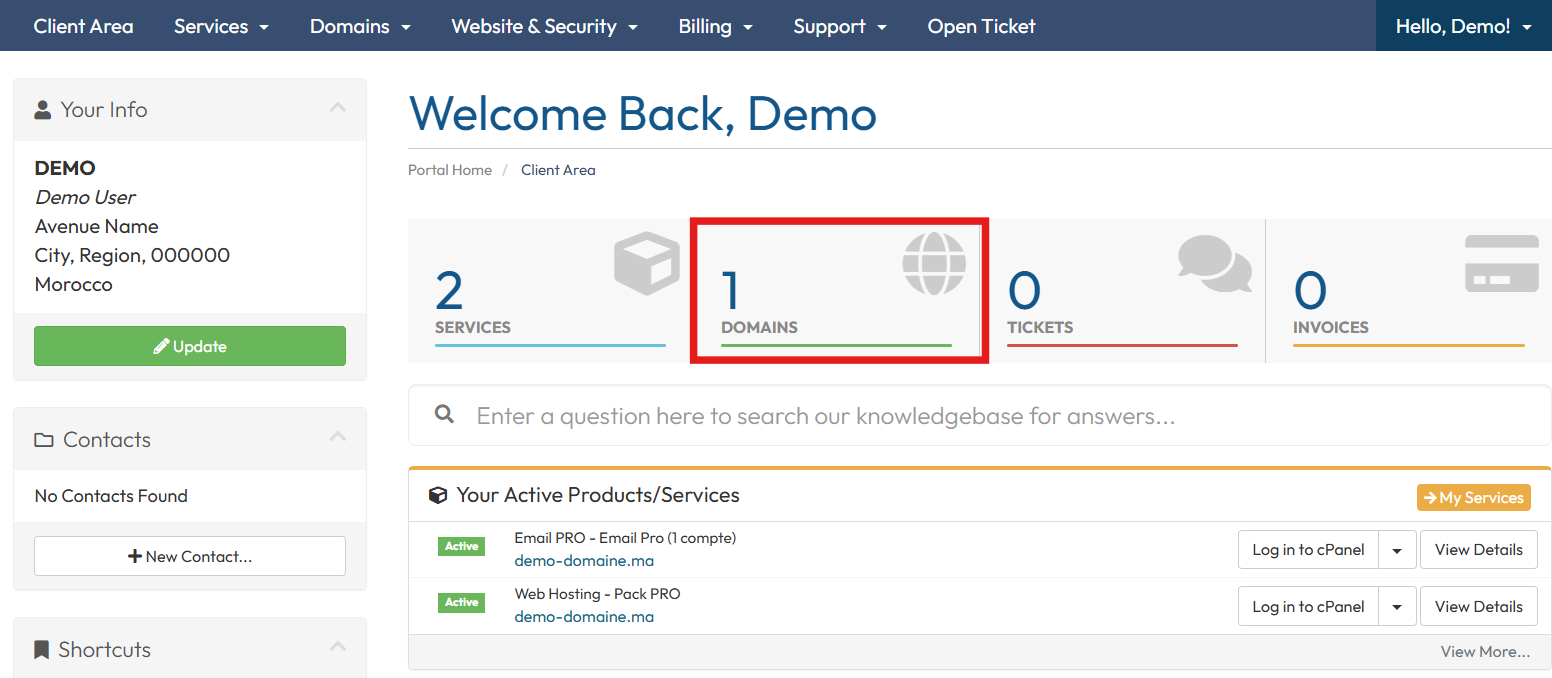
- Access your Client Area.
- Click on “Domains” to access your domain names.
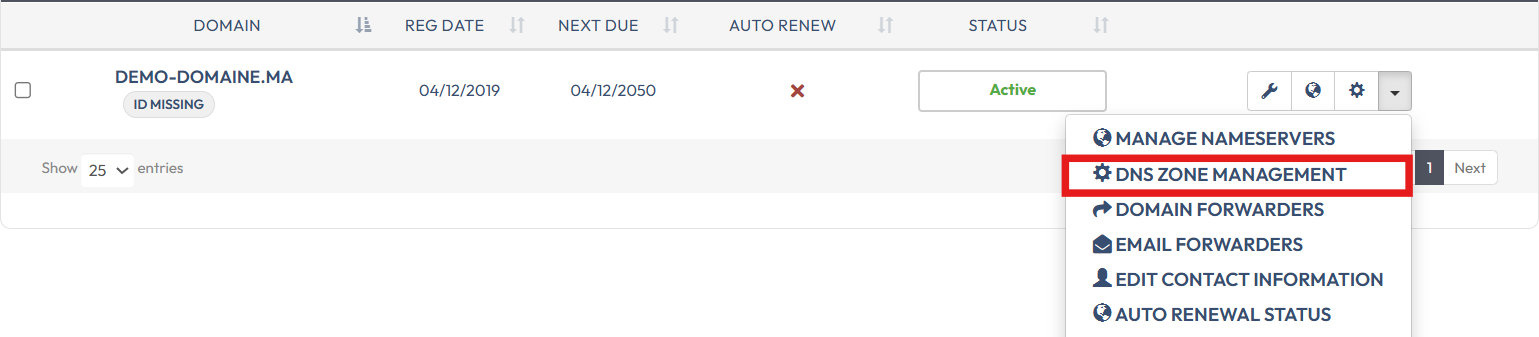
3. Click on the configuration icon next to the domain name.

Or, click on the menu on the right, then click on “DNS Zone Management”
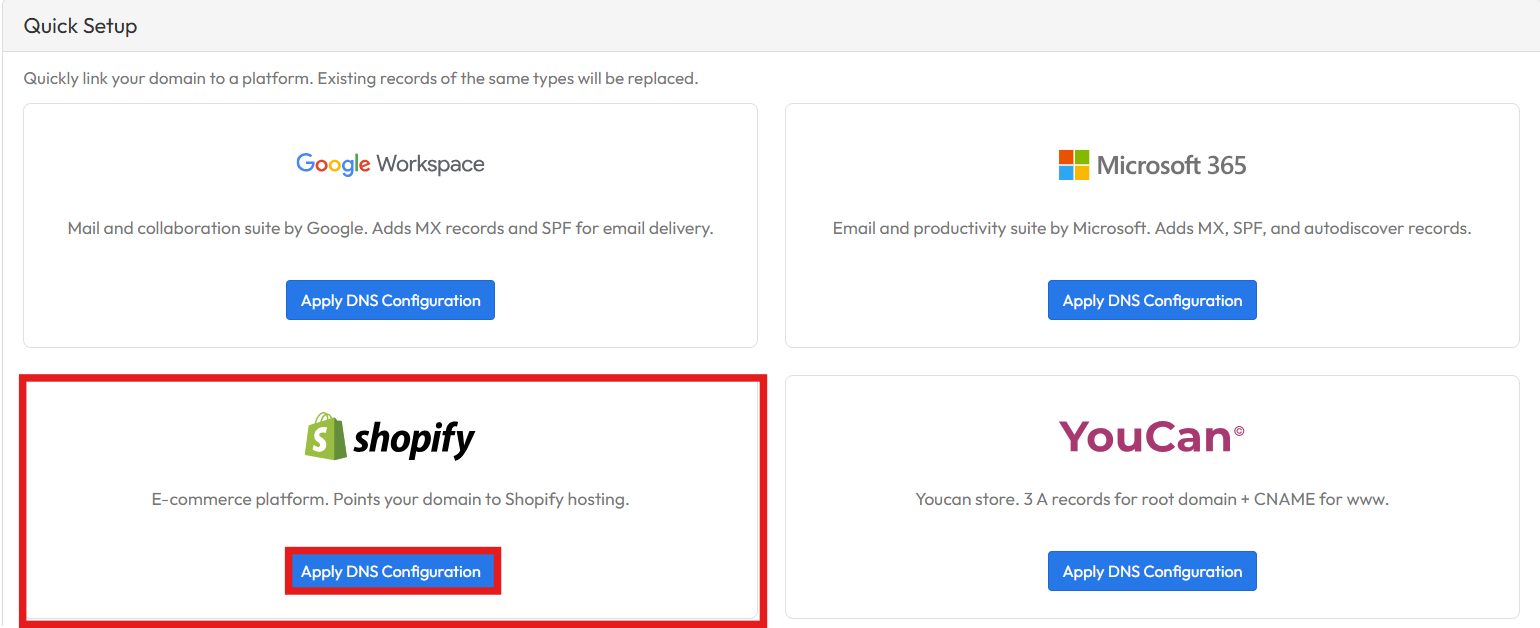
5. Scroll down to the Quick Setup section and click on Apply DNS Configuration