To change the password for your client area, follow these steps:
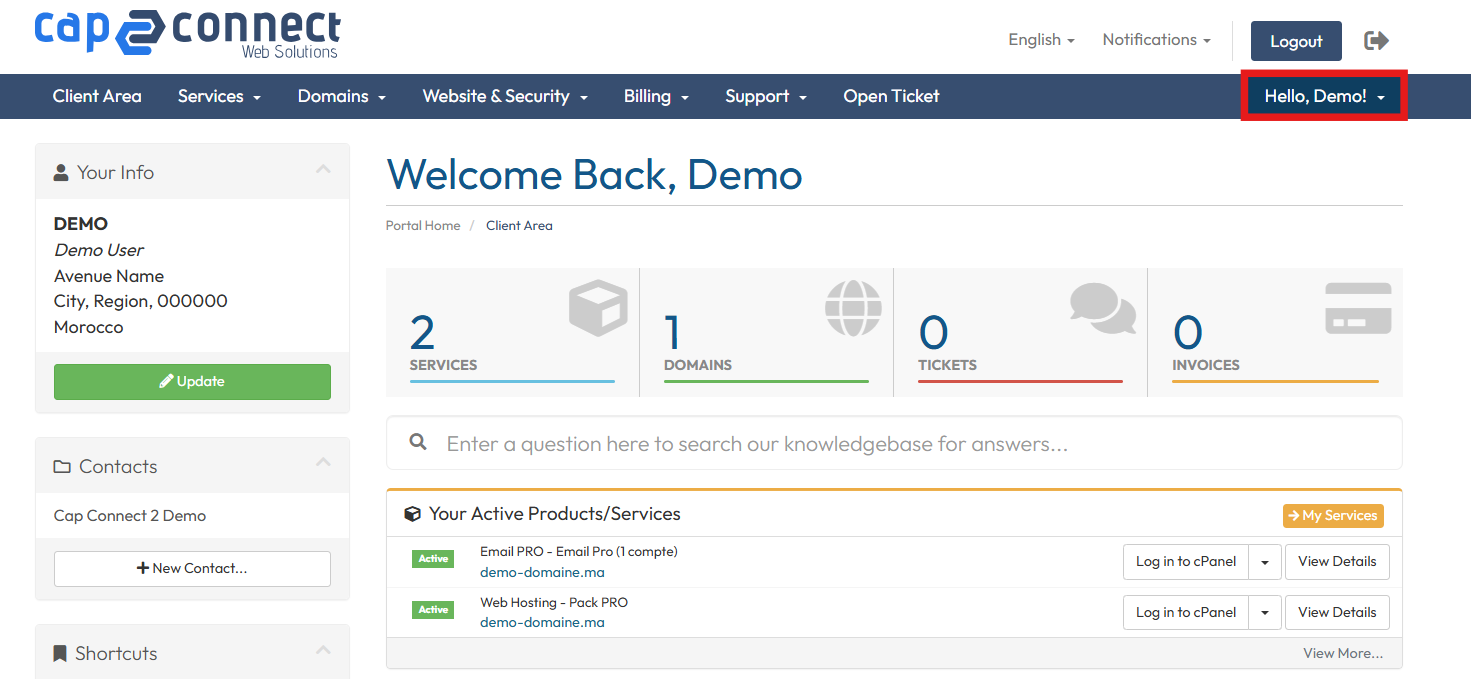
1. Log in to your Client Area using your email address and password, then click on “Welcome, your first name!”.
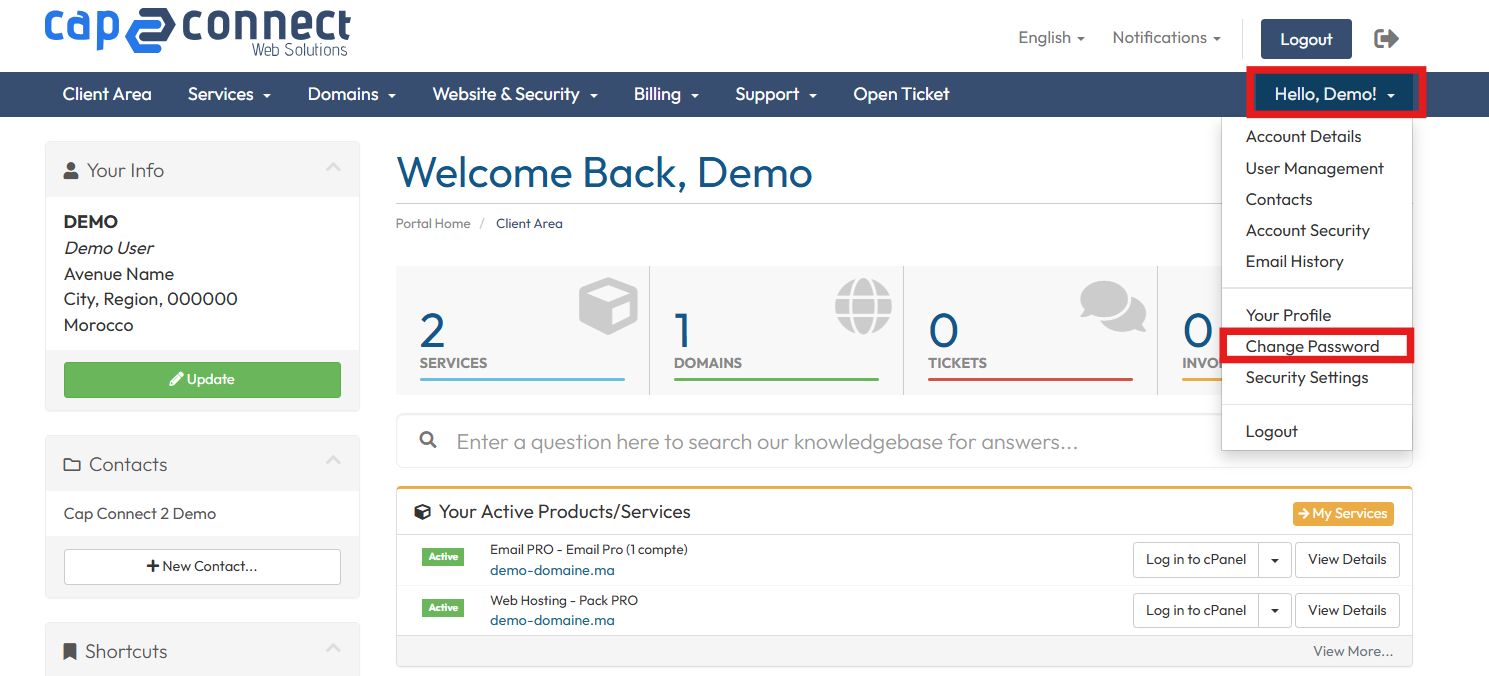
2. Click on Change Password.
3. Enter your current password, type a new password, confirm it, and click on Save Changes.
